
Rack 5, Seat 3.
Main FLIGHT OFFICER interface screen
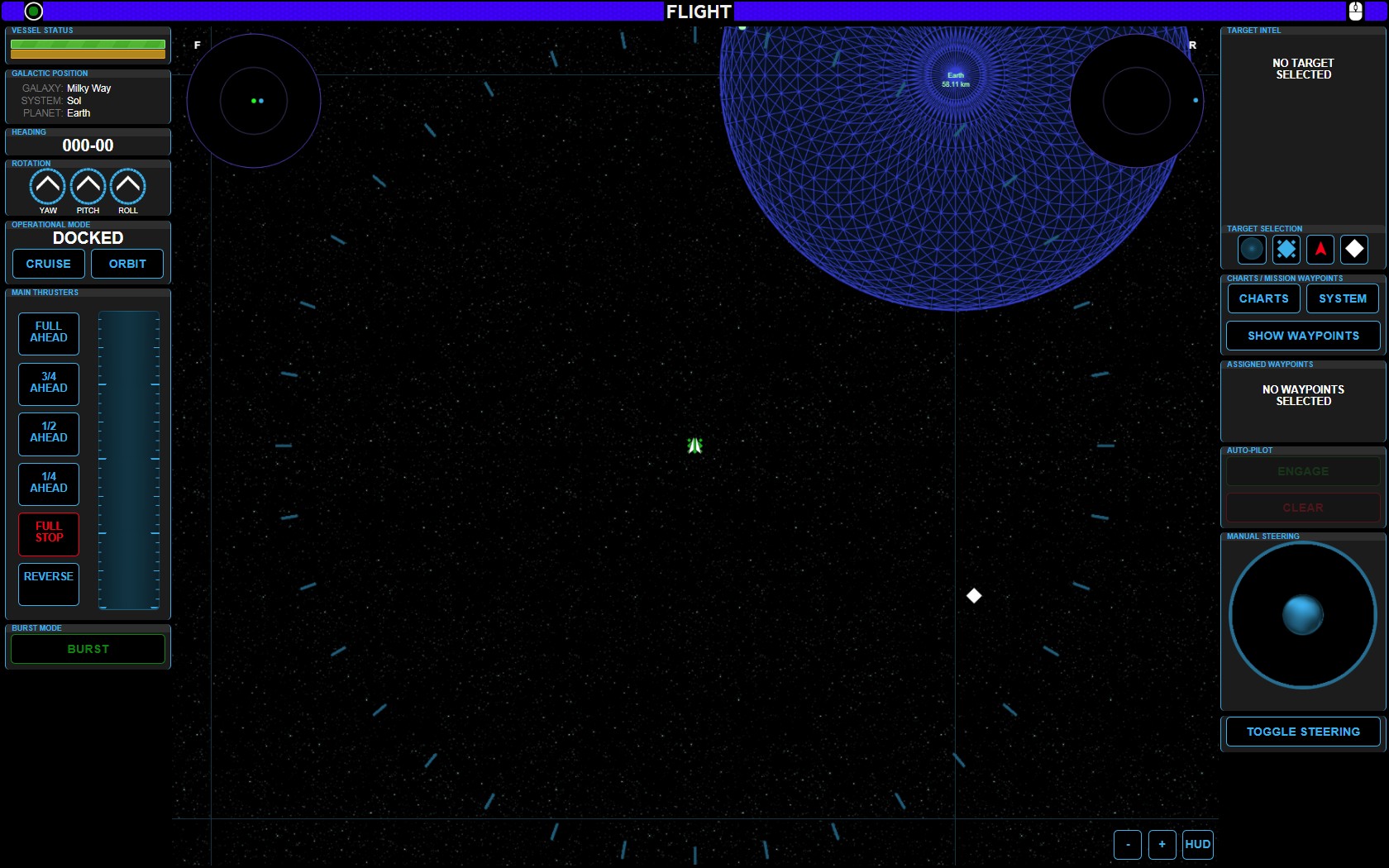
This (above) is the main console interface for the Flight Officer
It consists of many sections
The three main systems in this interface are detailed below:
Speed Control (Thrusters & Burst)
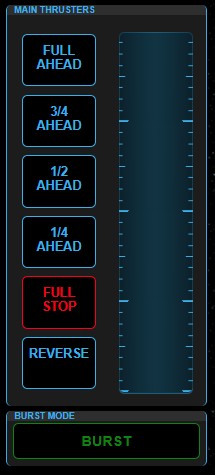
This left-side panel controls your desired speed.
The bar on the right shows the current speed
Use the buttons on the Main Thrusters panel to set your desired speed.
The BURST button can be held down for an extra speed burst. This BURST mode won’t last forever, but it does add significantly to the top-end-speed of the ship overall.
If the ship stop’s bursting while you’ve got the button held down, release the button for a few seconds to allow the BURST mode to recharge.
Waypoints and Autopilot
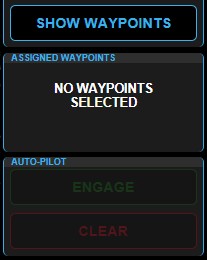
This button to the middle right of the Flight Officer Console Screen will show you the CURRENTLY AVAILABLE waypoints. Press this button and a small window will open showing the available waypoint. Select the waypoint from the small window and it will be show in the ASSIGNED WAYPOINTS section.
When a WAYPOINT is selected, the AUTO-PILOT buttons will become available. If you press the green ENGAGE button, then the ship will orient itself towards the designated target waypoint. Once the ship is pointing in the proper direction, the WARP DRIVE will engage and will take you to that location.
Manual Steering
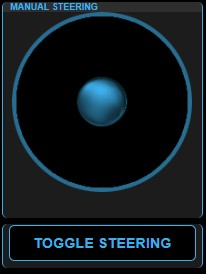 The MANUAL STEERING section on the right side of the Flight Officer Console Screen is how the Flight Officer can steer the ship in any direction.
Push the blue sphere in the center of the MANUAL STEERING section. Draw the ball to the outer edge of the black circle. The further out of the center the ball travels, the faster you will head in the desired direction.
Release the ball and it will return to the center of the black circle. The ship will travel in whatever direction that is, until directed otherwise.
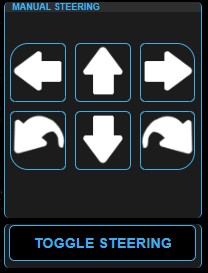
TOGGLE STEERING – Will change the MANUAL STEERING interface From the Blue Sphere button to arrow buttons. Push and hold these buttons as desired to orient the ship.
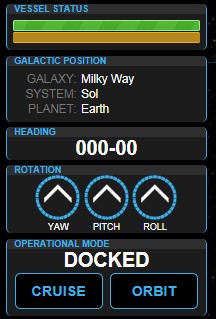
The information cluster to the upper left gives various details about the current status of the ship.