
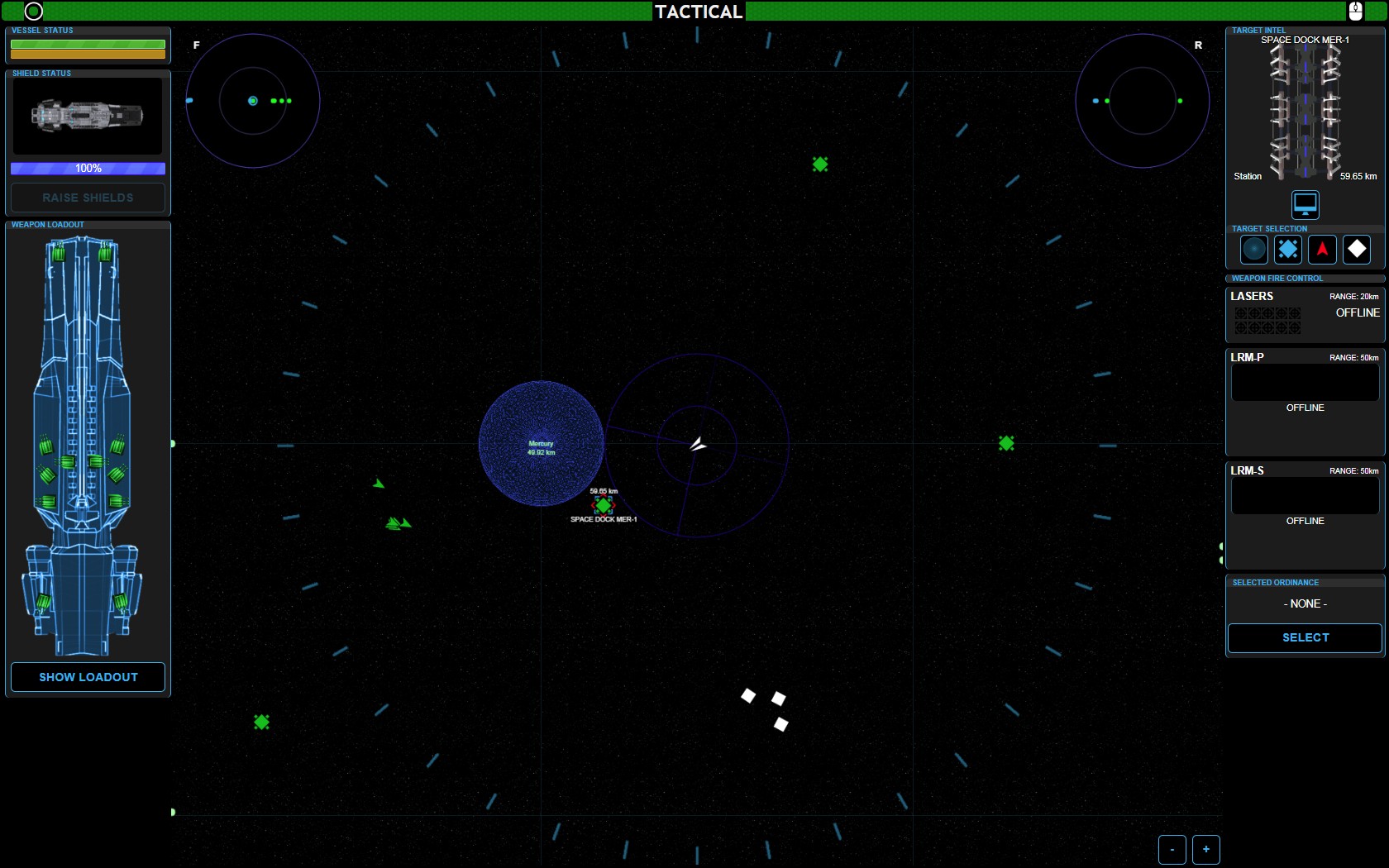
Tactical Main Console Screen
Vessel Status & Shields
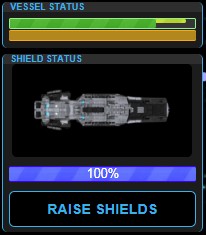
There are 3 “status” bars that show you the status of the ship. 1) The Green striped bar – shows HULL INTEGRITY. Green stripe is good. The 1/2 thick yellow bar is damage sustained that IS REPAIRABLE and the empty bar space is damaged received that is NOT repairable.
The 2nd bar in the Vessel Status section is the ENERGY OUTPUT bar. This shows you how much energy the ship is currently outputting.
Weapons Loadout
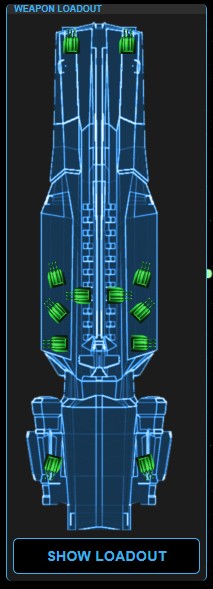
The Weapons Loadout panel shows the various weapon mounting locations.
There are (5) lasers mounted port and (5) lasers mounted starboard.
Two Missile launchers are mounted amidship.
The SHOW LOADOUT button at the bottom is reserved for a future Ship OS upgrade, and has no current function.
Tactical Target Selected
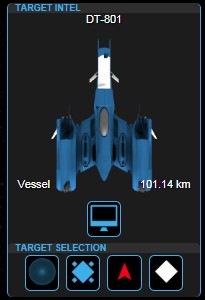
The Target Intel panel, in the upper right of the Tactical Console Screen, shows WHAT target is selected. This targeting is used by the weapons systems to determine WHICH target to fire weapons at.
The TARGET SELECTION buttons at the bottom of this window allow you to select the nearest object of the TYPE of the button you push. IE: if you push the 3rd button (the one with the red triangle shape), you will select the nearest ENEMY object.
Weapons Fire Control
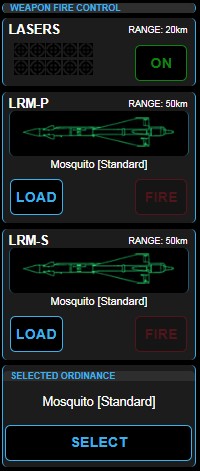
The top 3 sections of this panel all fire the ships weapons at the selected target.
The lasers are an ‘auto-fire’ as long as they are ON. The number of laser turrets that can shoot at the selected target is indicated by the number of green icons lit-up below the word LASER in the panel.
Missiles are loaded into the tubes by FIRST selecting a missile type TO load. Hitting the LOAD buttons will load a missile into the tube. Missiles are fired individually by pressing the FIRE button.